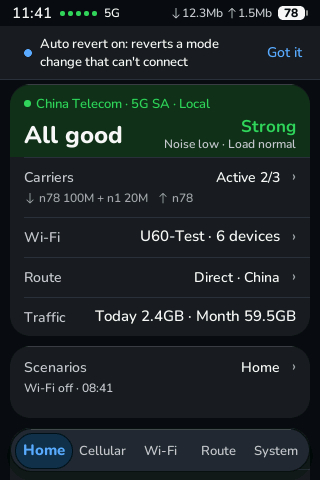
Is the connection OK? One line says it.
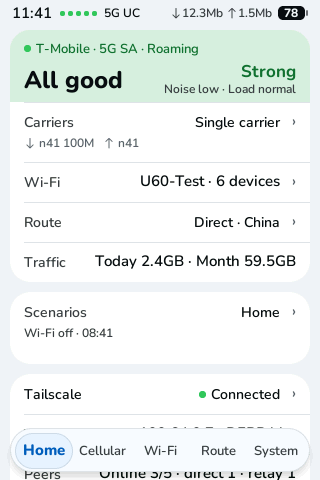
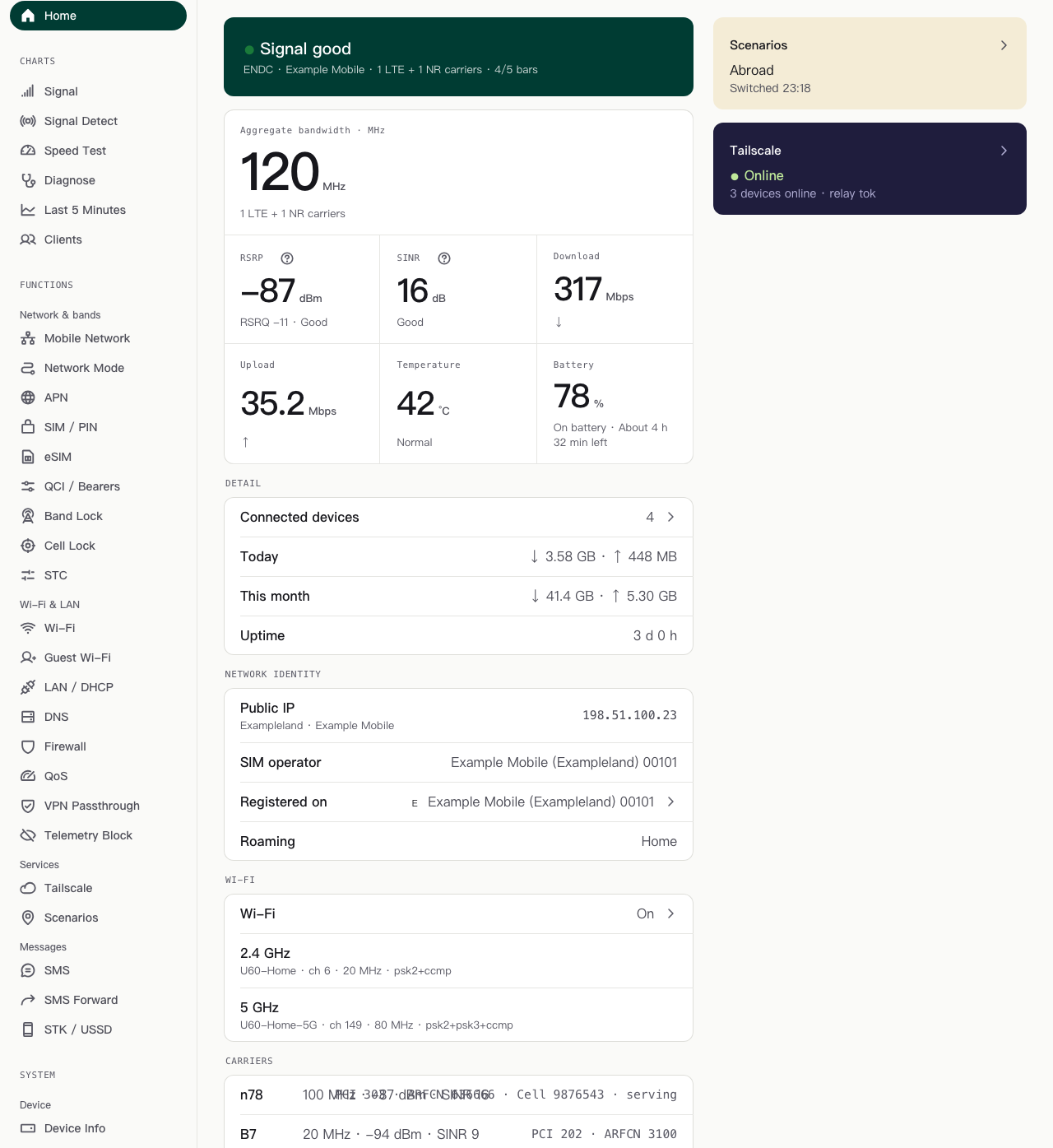
The home page leads with a verdict: signal, network type, carriers and bars, then speed, temperature and battery with time left.
Open on-device software
Luya-Z replaces the stock screen and admin pages with open software that runs on the device itself: live signal, band and cell lock, eSIM profiles, alerts, and risky changes that check themselves.
Screens show made-up data.
The home page leads with a verdict: signal, network type, carriers and bars, then speed, temperature and battery with time left.
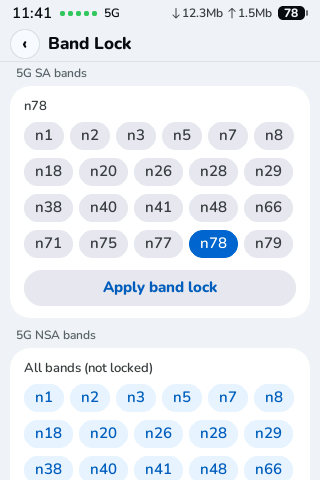
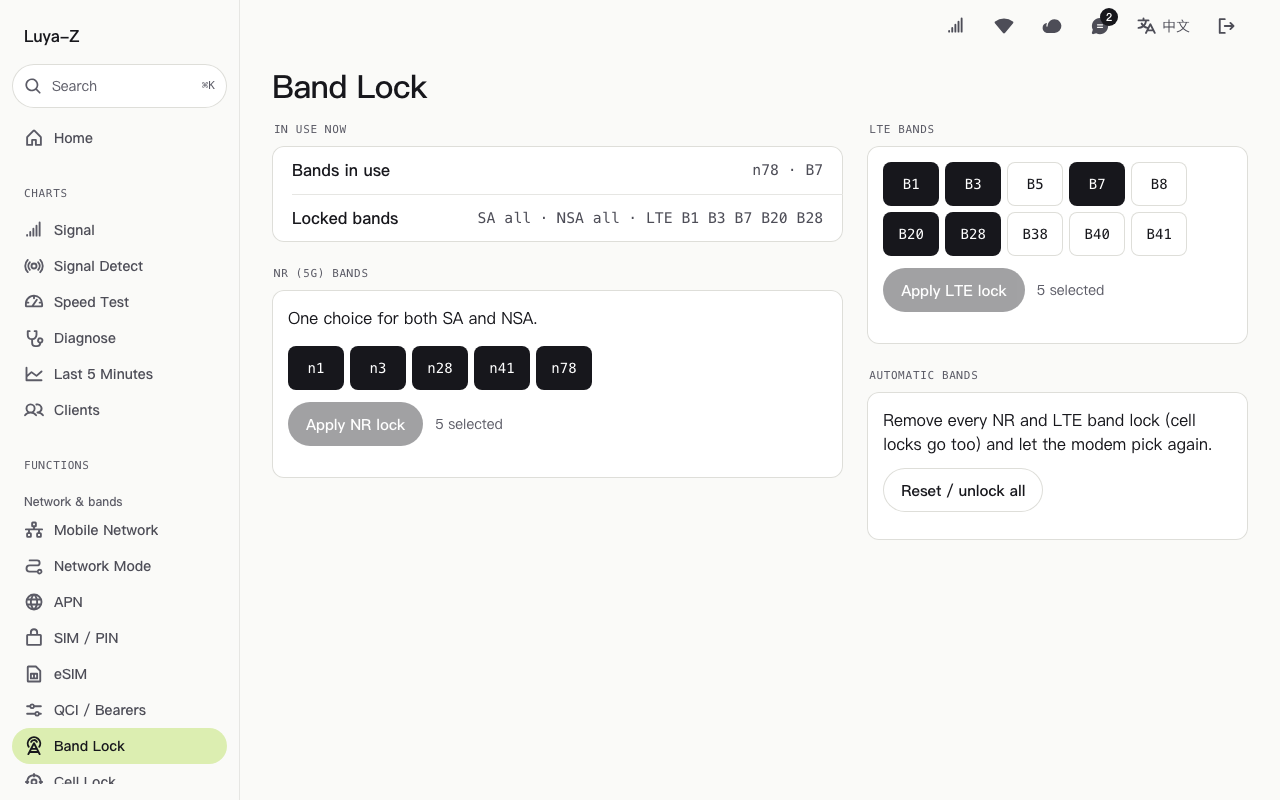
Pick LTE and NR bands and confirm. Within about two minutes the device reads the lock back, checks it is registered and has data, and reports the result on the page.
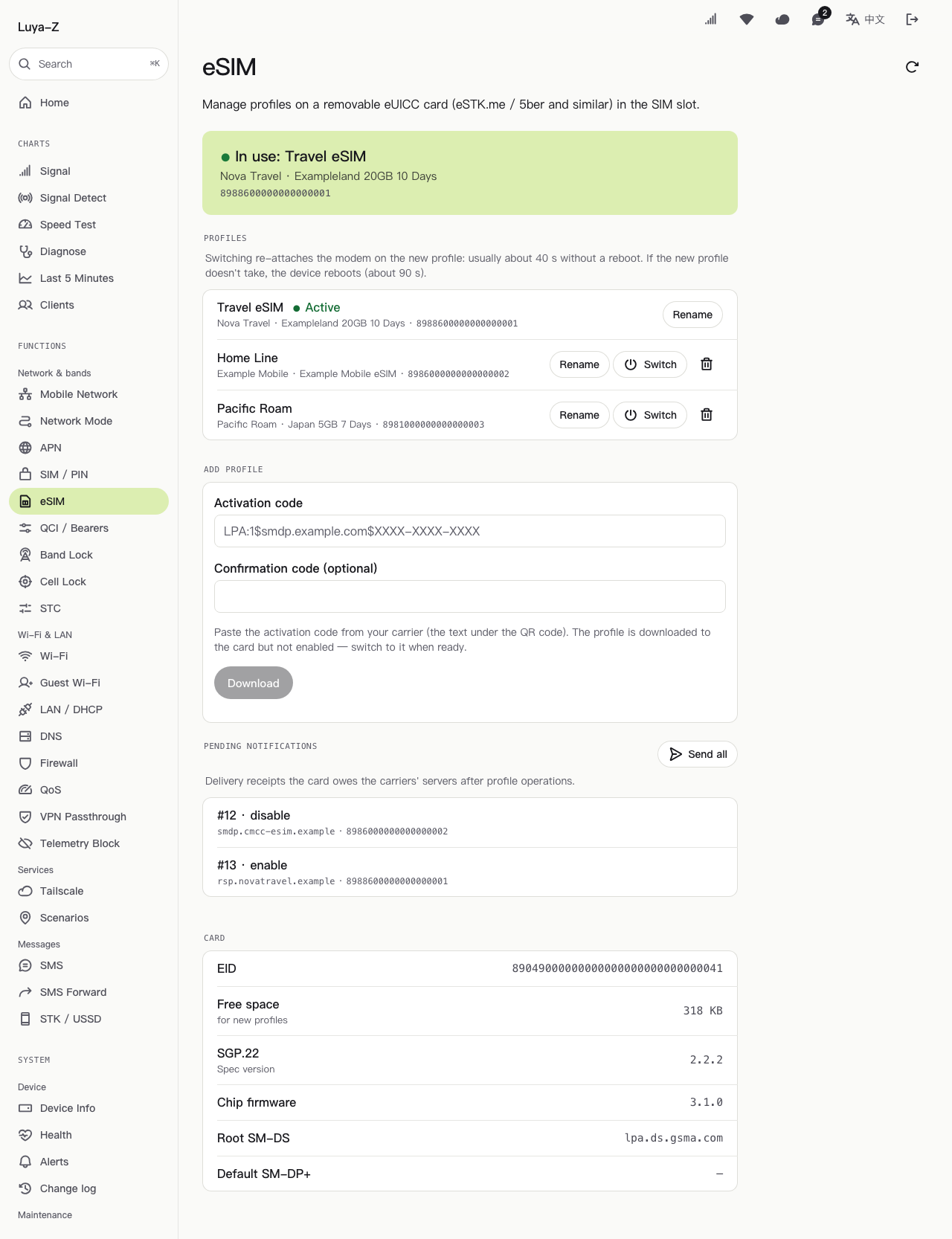
With an eUICC card in the slot, list, rename, switch and download profiles from the browser. If the new profile does not attach, the device reboots to recover.
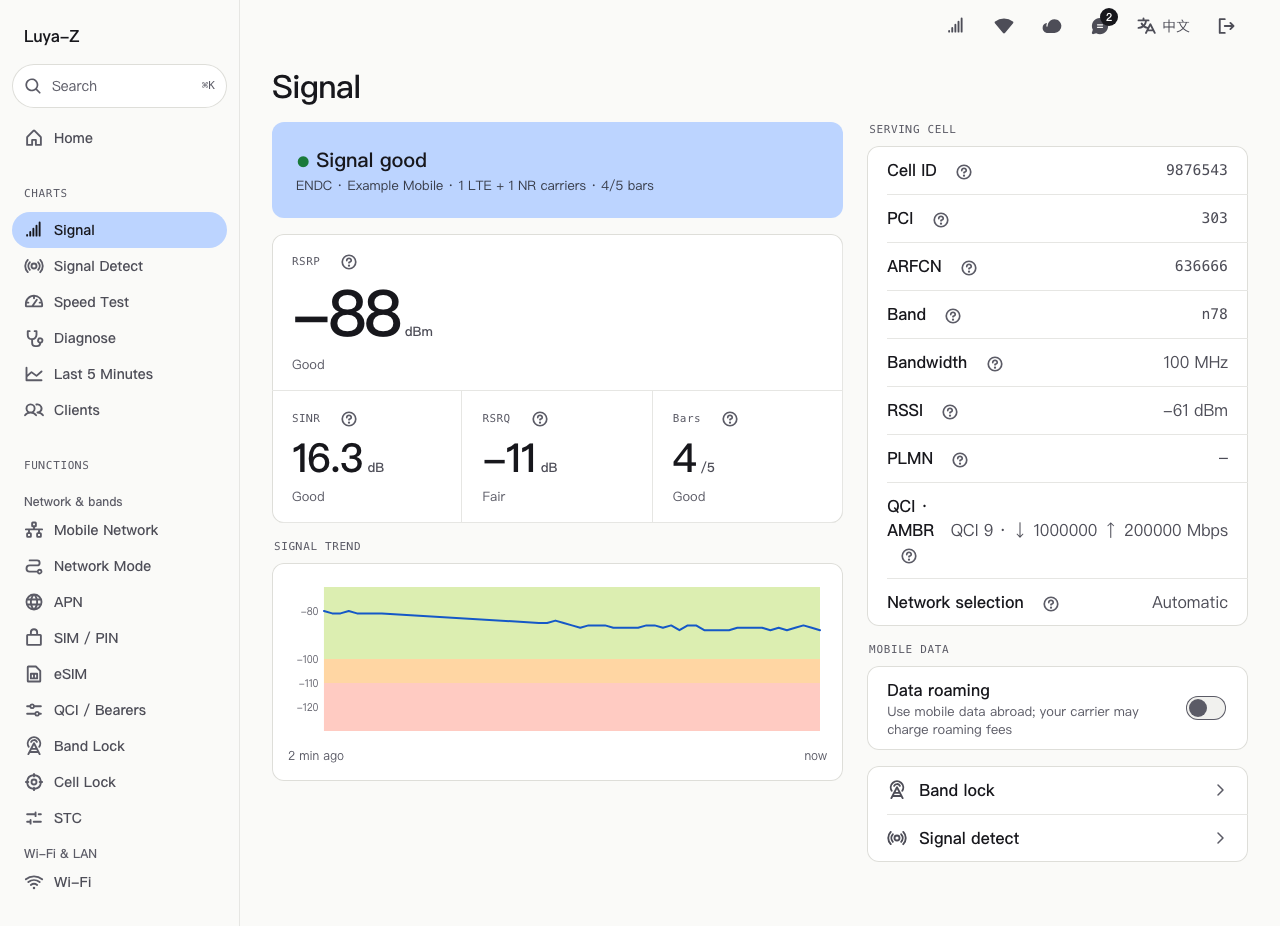
RSRP, SINR and RSRQ with a plain-word rating, a live trend, and the serving cell with band and bandwidth.
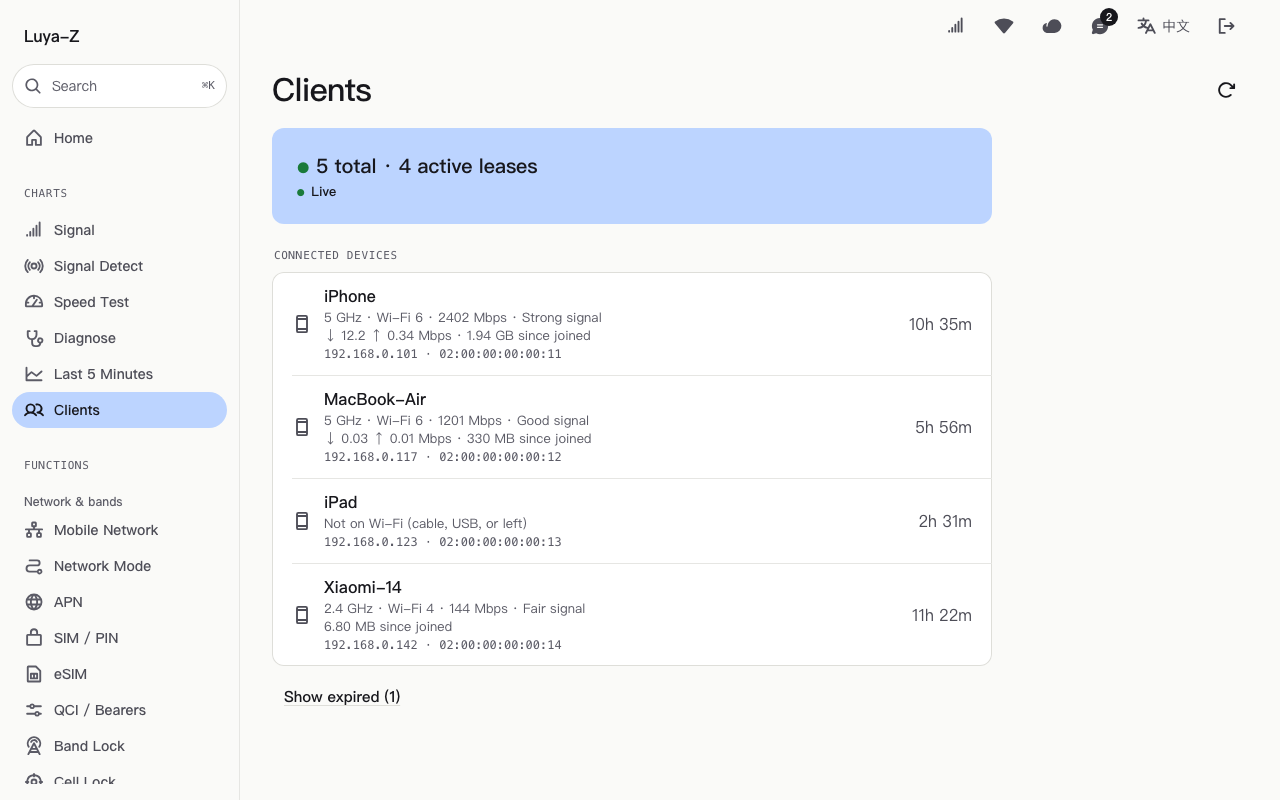
Every client with band, Wi-Fi generation, link rate, current speed and data used.
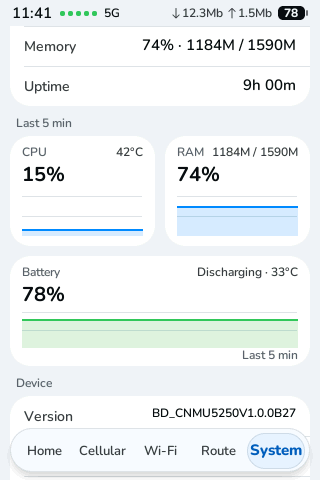
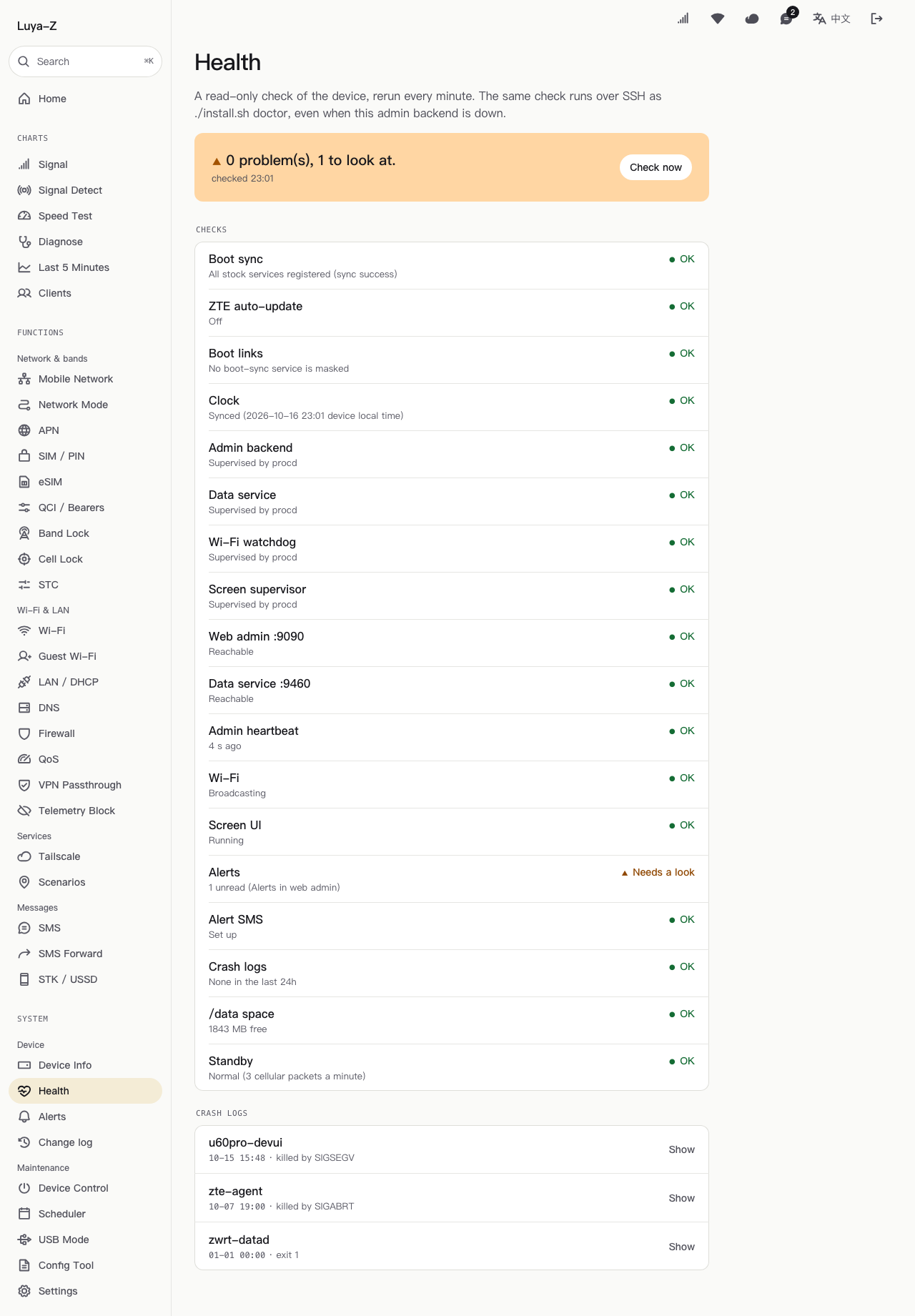
A watchdog for the screen and services, plain alerts when something goes wrong, and a log of every change made.
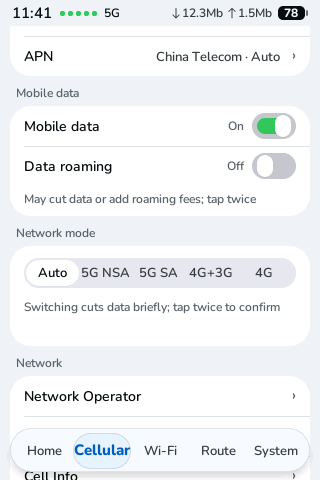
A new touchscreen UI in Rust and LVGL: signal and speed at a glance, Wi-Fi, band lock, health and system charts, light and dark.